Warp: The Cloud Factory, Now Running
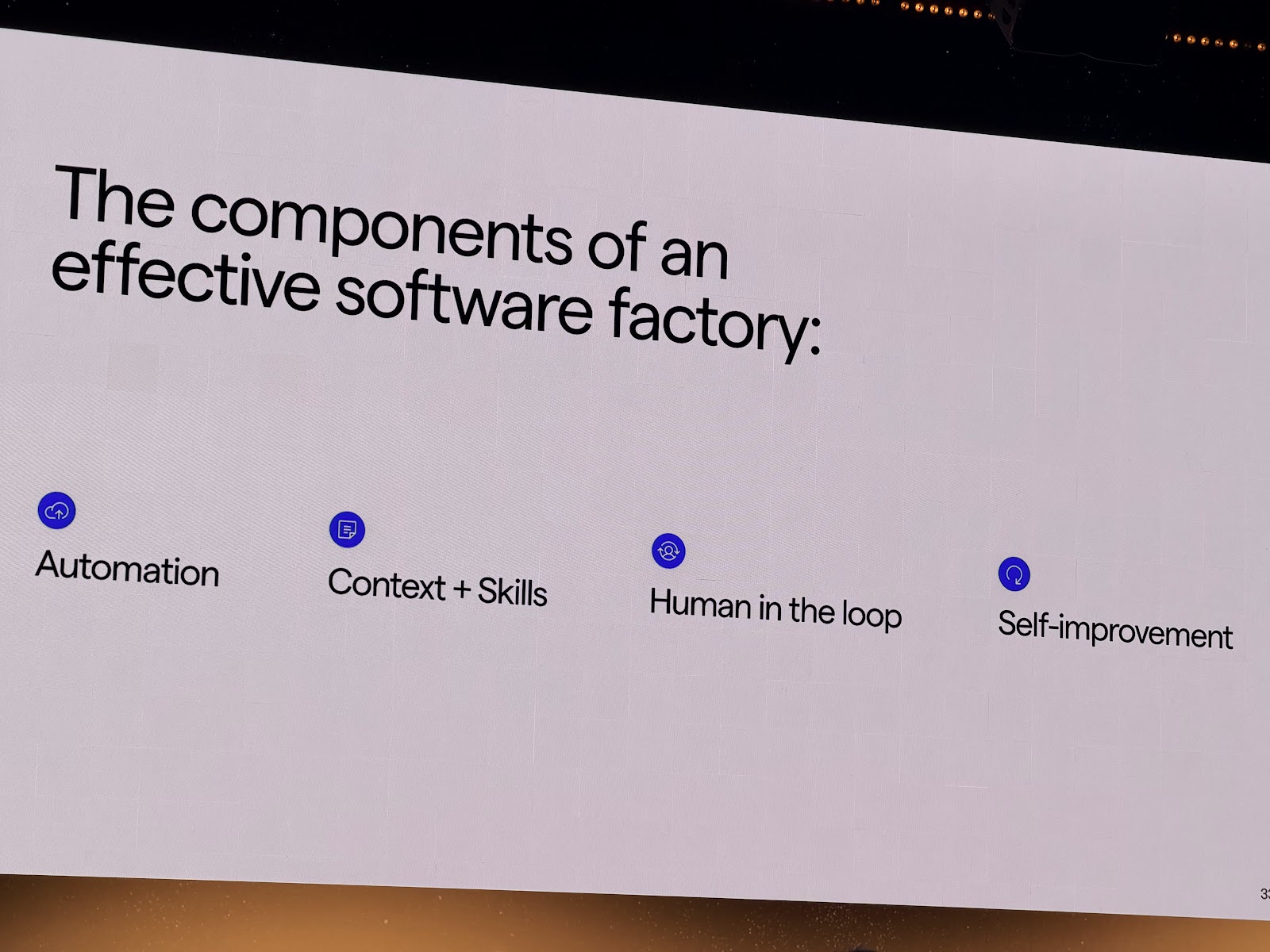
In March I wrote the theory. Zach from Warp shipped the implementation. Here's how a working cloud factory maps to the architecture I laid out.
On this page 4 sections
In March I wrote my original post on software factories — the history, the maturity ladder, the four subsystems. The thesis was that a software factory is the top of the agentic stack: a system that receives a specification and autonomously produces working, deployed, tested software with minimal human intervention. I laid out a level 0-4 ladder and said most teams were stuck somewhere between level 2 and 3.
That post was theory. This one is about a working implementation.
Zach from Warp shipped cloud-factory-demo — a complete, installable cloud factory that runs on GitHub Actions. MIT license. Six stages. Seven agent skills. You can install it into any repo in one shell command.
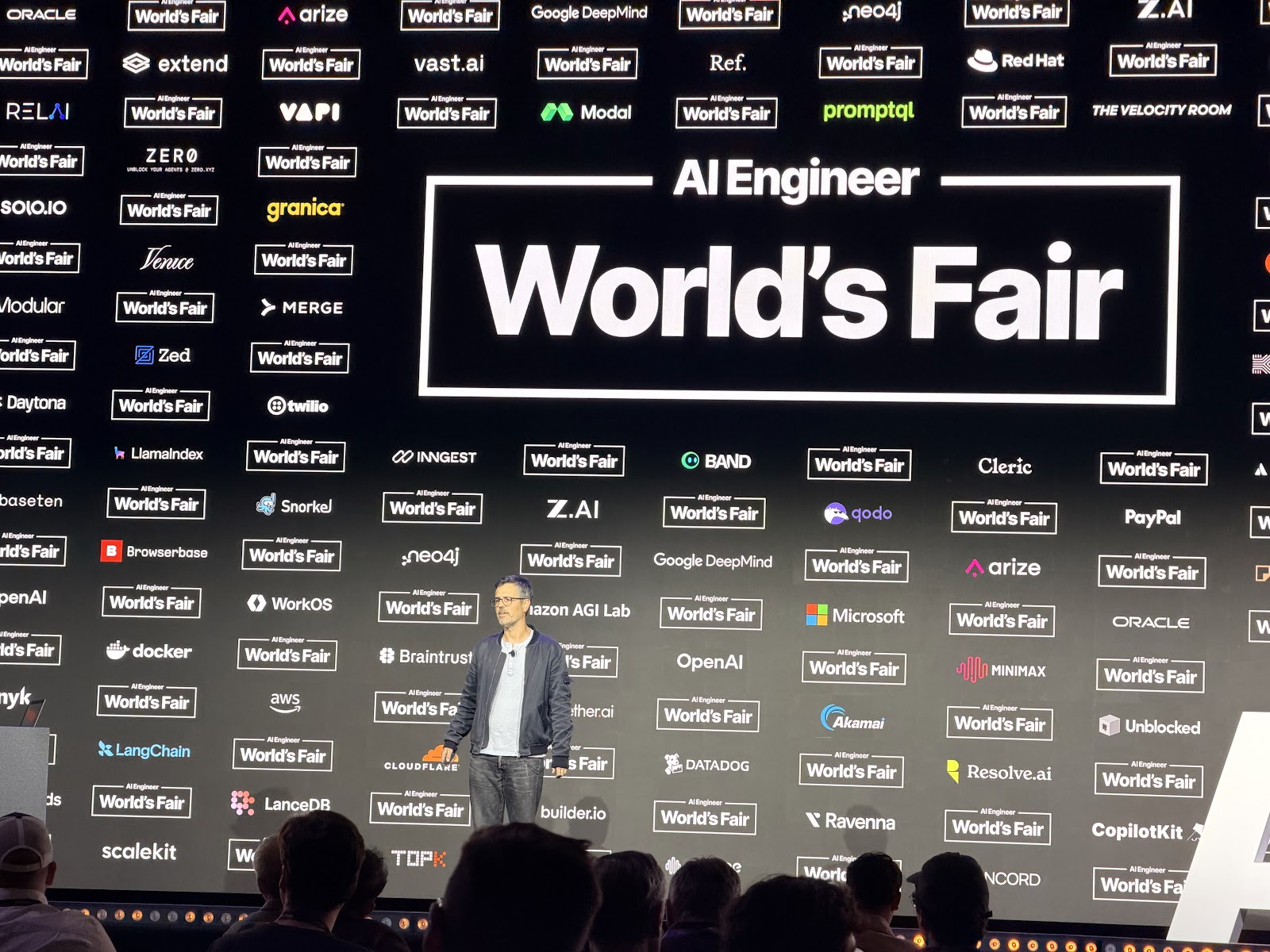
Zach recently presented at AI Engineer World's Fair in SF, where this kind of end-to-end factory architecture was a recurring topic among teams moving past one-off coding agents toward something more systematic.
Where It Sits on the Ladder
The maturity ladder from the March post:
| Level | What it looks like |
|---|---|
| 0 | Autocomplete |
| 1 | Chat-to-code |
| 2 | File-aware coding agents |
| 3 | Multi-agent pipelines |
| 4 | Software Factory |
Warp's factory sits at level 3 and is pushing into 4. It's a genuine multi-agent pipeline: six sequential stages, each with its own agent skill, handoffs driven by GitHub labels, and a verification step that closes the loop back to the original spec before anything merges. The human stays in the loop at the merge points, which is the right call for a v1. That's not a limitation; that's the trust gate model working as designed.
The Six Stages
The factory moves every issue through a fixed pipeline: triage → spec → implement → code review → verify → monitor.
Here's how that maps to the four subsystems I described in March:
Intake layer: triage
When an issue is opened, the triage agent reads it and applies one of four labels: "Ready to implement," "Ready to spec," "Needs info," or "Wait to implement." That label is the structured task definition. Messy GitHub issue prose goes in; a routing decision comes out.
Orchestrator: GitHub Actions + labels
The orchestration bus is GitHub Actions. Each label change is an event; each event triggers a workflow. The state machine is just the label set. There's no custom orchestration framework here, which turns out to be the right call: every engineering team already has GitHub Actions, the trigger model is well-understood, and the audit log is free.
Three workflow templates do the routing:
# triage-issues.yml — fires when a new issue opens
on:
  issues:
    types: [opened]

# spec-ready-issues.yml — fires when "Ready to spec" is applied
on:
  issues:
    types: [labeled]
  if: github.event.label.name == 'Ready to spec'

# implement-ready-issues.yml — fires when "Ready to implement" is applied
on:
  issues:
    types: [labeled]
  if: github.event.label.name == 'Ready to implement'
Each workflow calls the corresponding agent skill. The label is the contract between stages.
Execution layer: agent skills
The skills live in .agents/skills/ and are modular. Each skill owns one stage. The spec skill delegates further to two sub-skills -- write-product-spec and write-tech-spec -- which produce separate artifacts. The implementation skill validates against those artifacts before opening a PR. The validate-changes-match-specs skill is the verification stage: it reads the specs and the diff, and confirms they match.
Seven skills total. Each one does one job.
Feedback loop: specs as checked-in files
This is the detail worth pausing on. The spec stage doesn't just plan internally; it produces two files that get committed to the repo:
specs/<issue-slug>/PRODUCT.md-- user-facing behavior, constraints, validation criteriaspecs/<issue-slug>/TECH.md-- technical architecture, implementation decisions
These specs are the contract. The implementation agent reads them. The verification agent reads them. If the implementation drifts from the spec, verification catches it. The feedback loop is closed not by a monitoring dashboard but by the spec itself sitting in version control where every subsequent agent can read it.
That's different from most agent pipelines where the "plan" is ephemeral context that disappears between tool calls. Here the spec is durable and queryable. Any future agent -- or human -- can open the file and understand what the factory decided and why.
What Install Looks Like
The whole factory installs in one command:
tmp_installer="$(mktemp)"
curl -fsSL https://raw.githubusercontent.com/warpdotdev-demos/cloud-factory-demo/main/scripts/install-cloud-factory.sh -o "$tmp_installer"
bash "$tmp_installer"
rm "$tmp_installer"
That copies the workflow templates into .github/workflows/, installs the agent skills, and sets up the common skills from Warp's shared library. Add a WARP_API_KEY secret to your repo and the factory is live. The runtime is Oz, Warp's cloud agent platform, but the architecture is designed to be portable -- the stage boundaries and handoff contracts are platform-independent by intent.
What This Actually Means
The March post ended with: "Start now, even if your v1 factory is mostly duct tape."
The duct tape phase is over for the core pattern. The architecture I described -- intake, orchestrator, execution, feedback -- is now a working template with an install script. You can have a six-stage pipeline running in your repo this afternoon.
What you still need to bring: a codebase the implementation agent can navigate, test coverage that makes the verification stage meaningful, and enough trust in your own specs to let the triage agent route issues without babysitting it. Those are engineering problems, not AI problems.
The factory isn't theoretical anymore. The question is what you want it to build.
I'll be keeping an eye out for more examples of this factory pattern working well in production — teams that have moved past the install script and are running real issues through all six stages.