Kotsu: Designing a Logo by Inventing a Kanji
How I worked with Claude through five rounds of image generation to design a logo for my Japanese learning app — and ended up inventing a kanji that hides a smile.

On this page 6 sections
Kotsu is my Japanese learning app. The name comes from コツ (kotsu) — "the knack," the moment something clicks and you finally get the hang of it. That's the feeling I want the app to be about, so I wanted a logo that carried the same idea: simple, warm, and unmistakably Japanese. The bar in my head was Duolingo. I wanted to beat it on both simplicity and charm.
I designed the whole thing in conversation with Claude. The actual pixels came from Google's Gemini image model (the one nicknamed Nano Banana), but the loop was the interesting part: I'd describe what I wanted, Claude would write the prompt, I'd react to the result, and we'd refine. It took five rounds to get somewhere I was happy with, and the path mattered more than I expected.
Round 1: a beautiful logo that was secretly Latin
The first mark was a brushy, confident stroke — genuinely nice to look at. The problem was that it read as a Latin letter "R." It had the style of Japanese calligraphy but none of the bones. It was a Western logo wearing a costume.
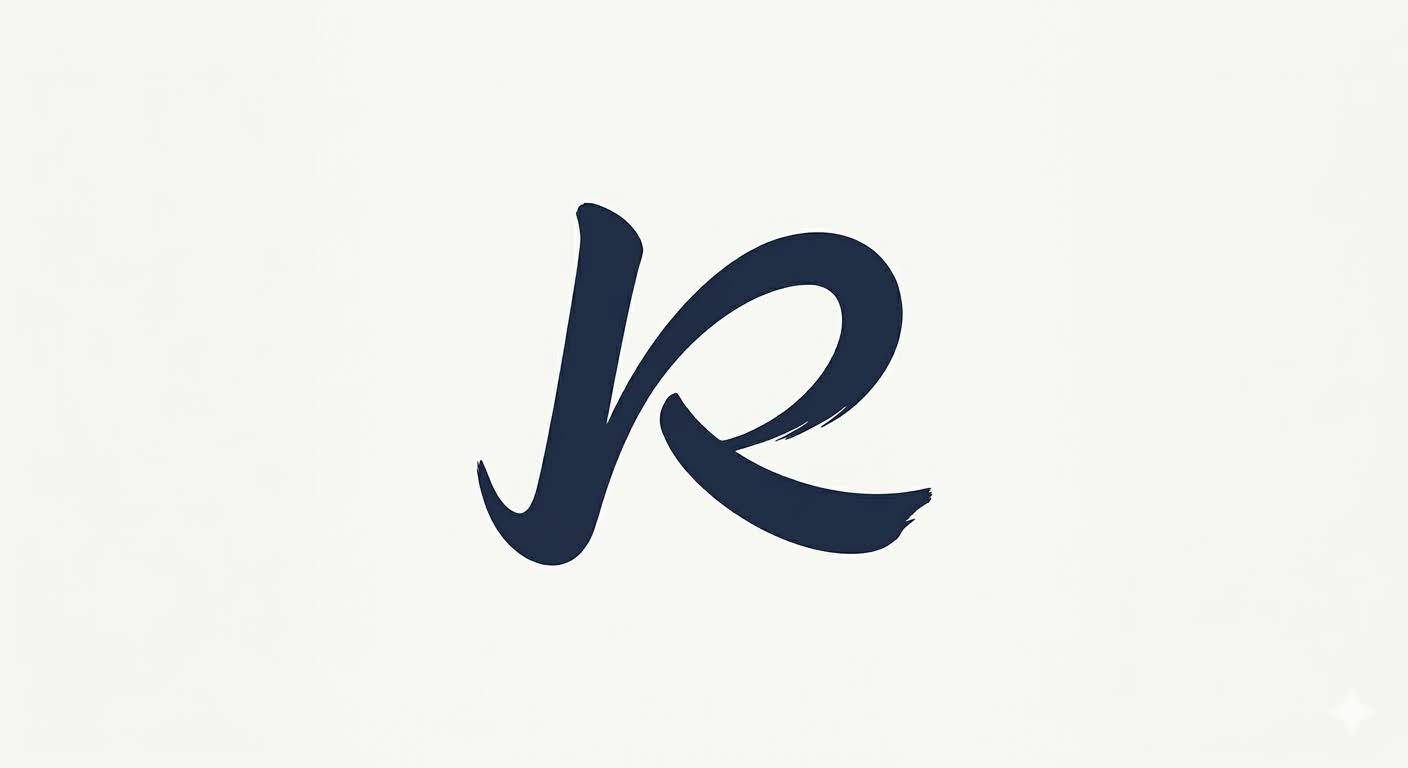
My wife Kristine looked at it and didn't like it. She couldn't articulate why at first, but she was right: it wasn't Japanese, it just looked the part. That's the kind of note that's easy to argue with and almost always correct. I scrapped it.
Round 2: stop decorating, start constructing
The reframe was the whole game. Instead of making a Latin letterform look Japanese, what if the mark was Japanese — an actual character, built the way characters are built? Not decoration applied to a Roman letter, but authentic construction from the start.
That pointed at an idea I kept coming back to: invent a new kanji. Not a real one — a brand-new character that follows the rules of how kanji are assembled, so it reads as authentic even though it doesn't exist in any dictionary.
Round 3: the two katakana, and a miss
Once I was thinking in characters, two katakana jumped out. コ (ko) is clean and geometric — an open bracket, basically. And ツ (tsu) famously looks like a little smiling face. The breakthrough was obvious in hindsight: fuse コ and ツ into a single invented kanji that reads "kotsu." The name would be hidden inside the mark, in both halves.
The first attempt at the fusion overcorrected. We sealed the character into a stern, closed box — it looked like a real kanji, but a cold one. Authentic, balanced, completely humorless. The smile in the ツ got swallowed by the structure. I'd gone so far toward "real character" that I lost the entire reason for the design.

Round 5: the open bracket and the grin
The fix was to stop closing things off. The winner keeps the コ as a big, brushy open-left bracket — a pocket — and tucks the ツ inside it, smiling out at you. Black sumi-e brush strokes on white, nothing else.
It does three things at once. It reads as a single brand-new kanji. It secretly contains both syllables of the word — コ on the outside, ツ on the inside. And the ツ grins at you from inside its pocket, so the whole thing is friendly without trying too hard. The closed box from round 3 and the open bracket from round 5 are nearly the same construction; the difference is entirely in whether the character lets you in.
Niko
We named the mark Niko, from にこにこ (nikoniko) — the Japanese word for a warm, beaming grin. The entire trick of the logo is the hidden smile, so the name is the secret. Duolingo's owl is named Duo; Kotsu's mark is named Niko.
There's a nice stack of meaning in it now. コツ is the knack, the click of getting it. The mark hides both halves of that word inside one invented character. And the character is grinning at you the whole time. For a learning app, that's about as on-the-nose as I could want without saying a word.
What the AI was actually good for
The model was not good at having taste. Left on its own it would happily produce the cold round-3 box and call it done. What it was good at was volume and speed: I could take a vague reaction — "this reads too Western," "this lost the smile" — and get a concrete next attempt in seconds, which let me find the edges of the idea by bumping into them.
The two decisions that actually mattered were both human. Kristine killing round 1 forced the reframe from decoration to construction. And recognizing that ツ already looks like a smile is the kind of thing you notice because you've been staring at katakana, not because a model suggested it. The AI made it cheap to iterate. It didn't make the choices.
Kotsu is a Japanese learning app. Built in Chicago by @mager and @magerbot.